Progress
Check which activity counts and when it refreshes.
IN7 / MEMBER LEVELS
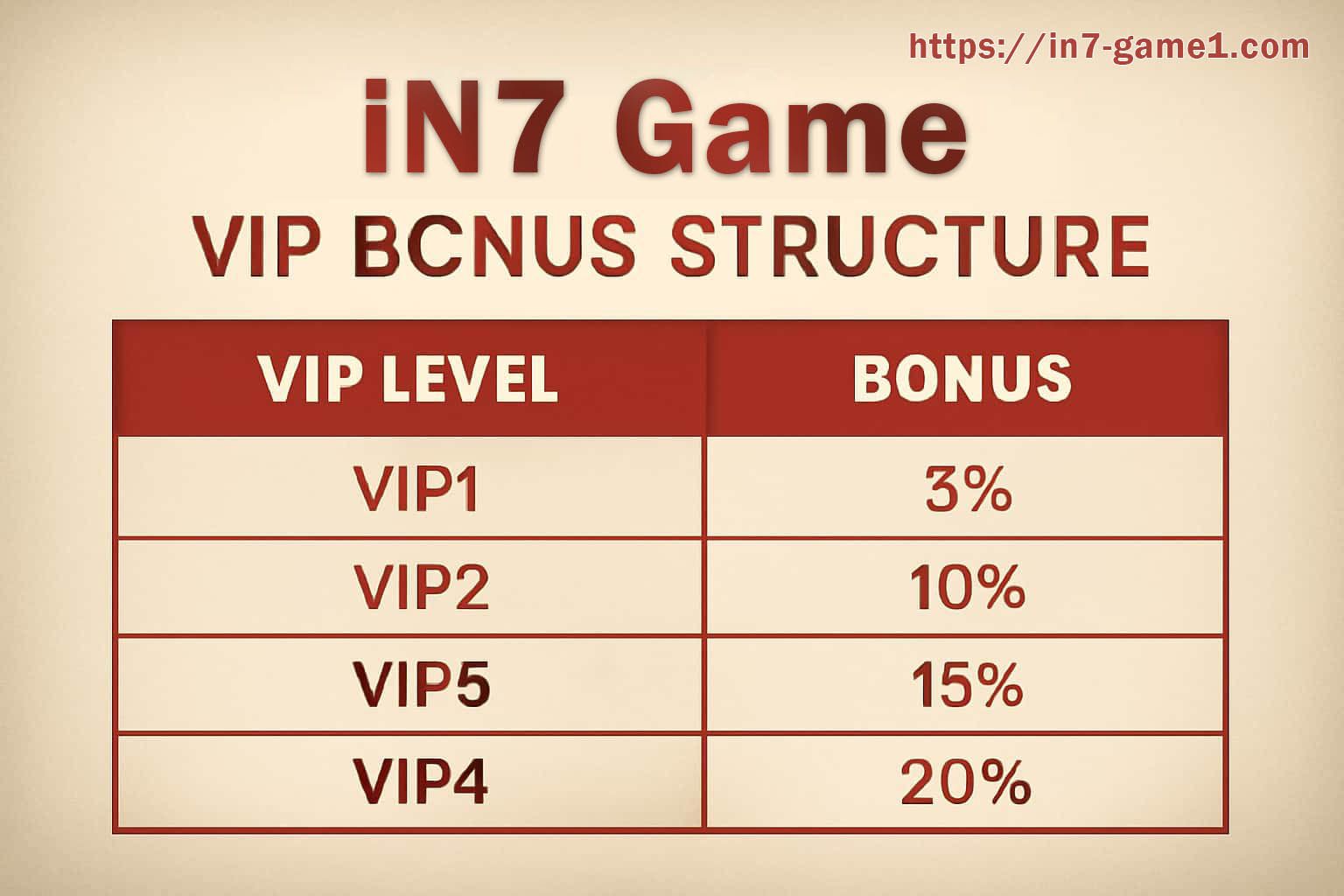
A level label can describe progress, current standing or access to a benefit. Open the live IN7 membership page and separate what has been earned, what is still locked and what has an expiry or review date.
Review qualifying activity, update timing, account verification and the conditions attached to each benefit. If a level changes unexpectedly, keep the previous status, current status and time before asking support to investigate.
Do not assume that a benefit shown in an older message remains available. Reopen its current detail, check whether activation or another condition remains, and note where the value should appear. If progress is reviewed rather than instant, wait for the stated refresh before repeating qualifying activity. Keep the level date and confirmation when a benefit matters, especially if the displayed status changes after verification or an account review. Progress figures can update on a schedule rather than after every action, so compare the latest review time before deciding that activity is missing. A benefit can also carry its own eligibility, use and expiry terms even when the level itself remains unchanged.
Check which activity counts and when it refreshes.
Separate displayed, unlocked, used and expired states.
Read the review date and any account condition.